Graylog is gray-t
Due to recent events I have a new appreciation for being able to view the logs for a particular system while that system isn't up. Also I got tired of playing whack-a-mole with which of my Docker Swarm hosts was actually running a specific container to get to see the logs of that container.
If you have a single host for all your services then journalctl is probably enough for all your log-finding needs. You can drill into the logs for an individual service with journalctl -u service_name, you can view the hosts logs, you have history, it's all neatly packaged. Once you're dealing with multiple machines it gets a little trickier.
Graylog
There's a bunch of solutions in the space, several of which come bundled with metric collection. I'll be honest, I have no idea what the 'best' of the bunch is. I've since stood up a VictoriaMetrics server which has an adjacent log-handling solution (I'll post about the metrics in a bit), but I've used Graylog previously as a docker contianer running on my Unraid box. Between name recognition and the fact that it's available as a Proxmox user script (which automates setup) I thought what the hell and spun it up.
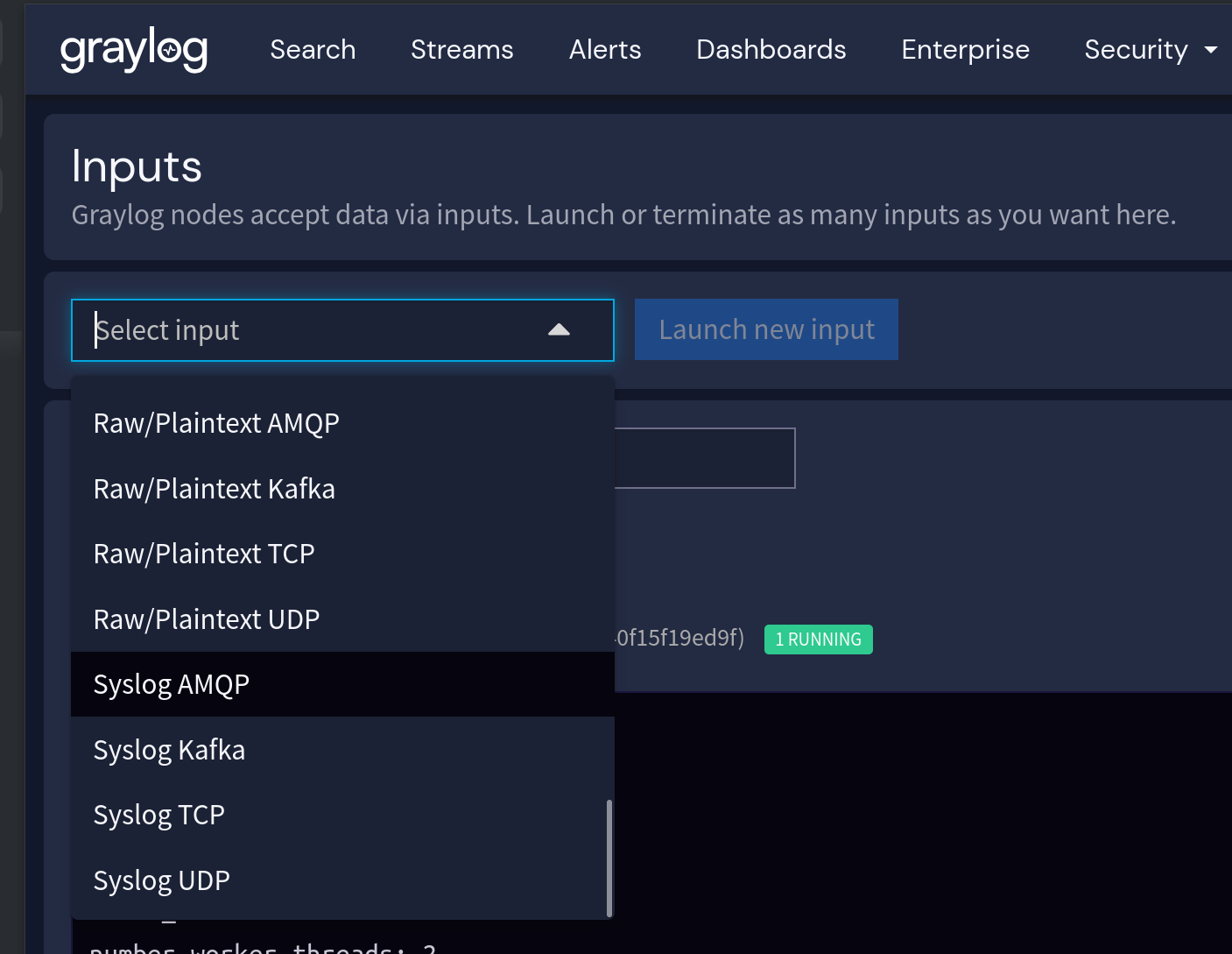
Graylog offers a wide number of input types. The ones I care about for ingesting logs from my NAS, each of my proxmox nodes, and my docker swarm are syslog, syslog, and GELF.
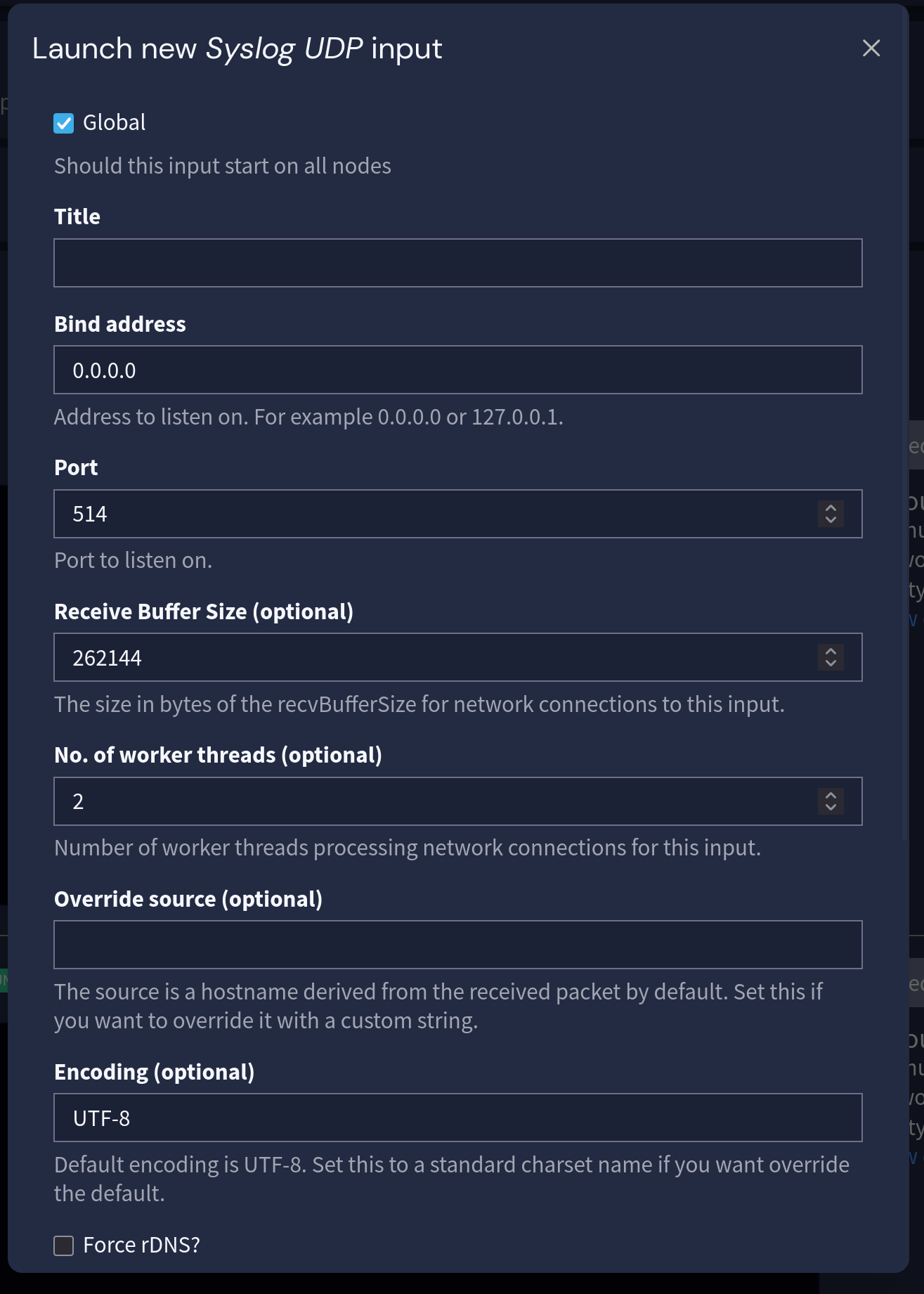
Setting up an input is easy. You punch in some normal details like the IP and port this input should listen on. I ignored everything else since it looks like the kind of thing you have to worry about when you have a ton of log volume, which I do not.
Importantly, you then have to set up some streams and stuff by clicking the big yellow 'set up' button. I thought I was done after creating the input and then spend 20 minutes trying to figure out why I had no syslog.
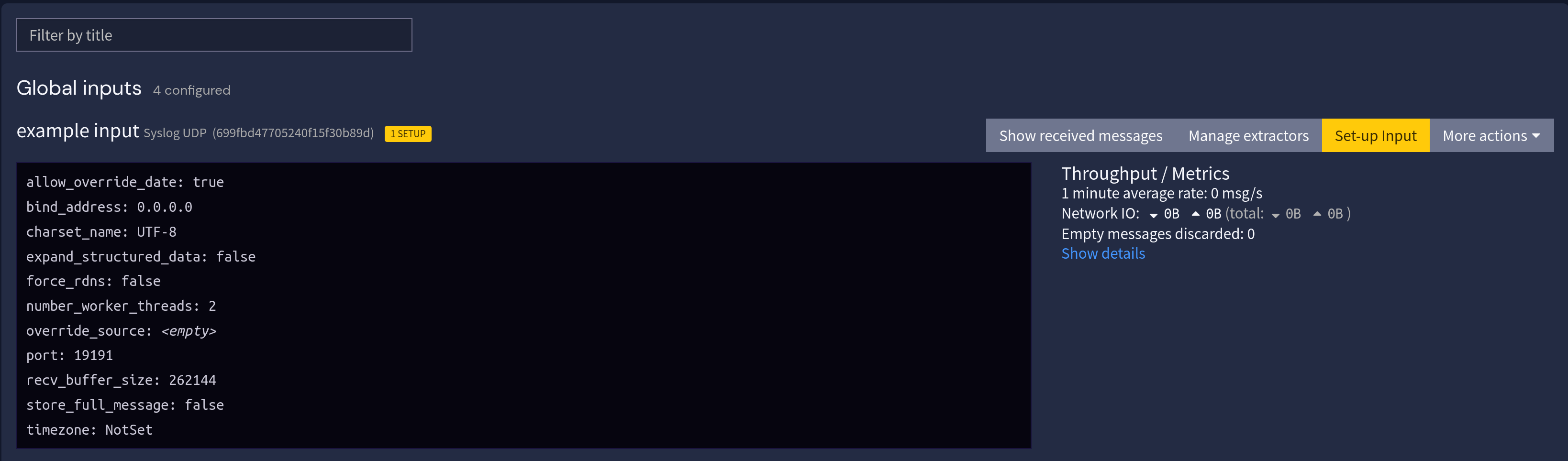
Once you click the embarassingly-for-me-very-obvious "Set Up" button and go through the configurator for streams (which is where inputs go), then you're presented with a launch button:
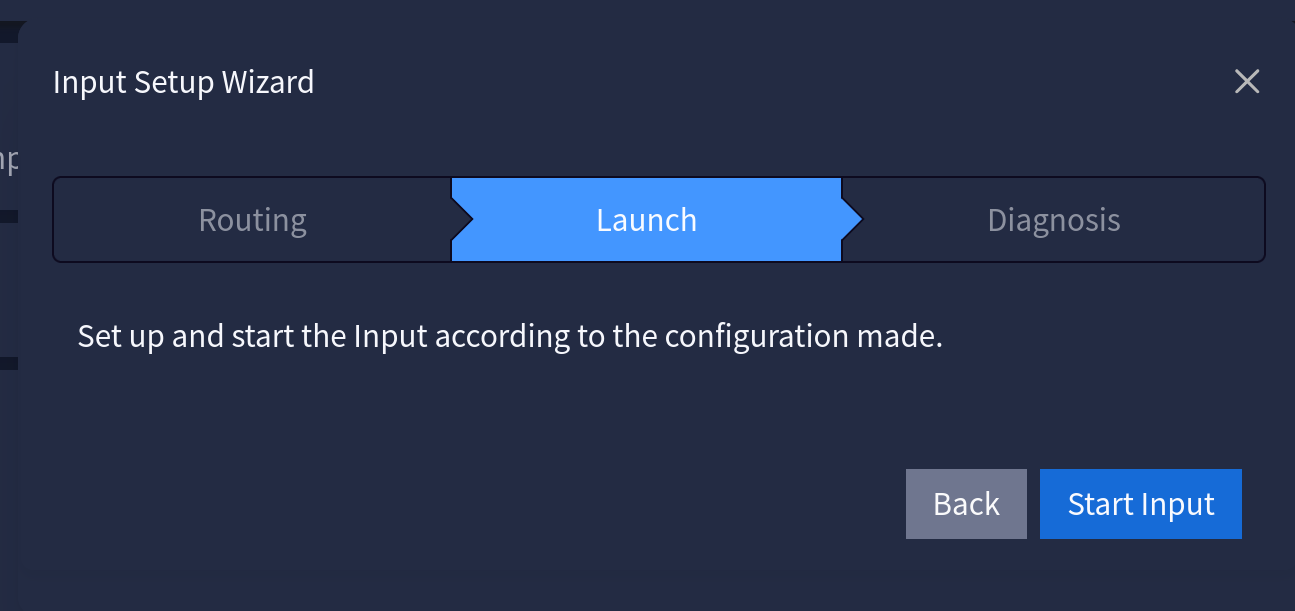
Which will actually make the damn thing go.
rsyslog
Once you have Graylog running you probably want to send some logs to it. I started with sending the syslogs from my NAS and proxmox nodes. My NAS just has an option for "remote syslog server" in its webGUI:
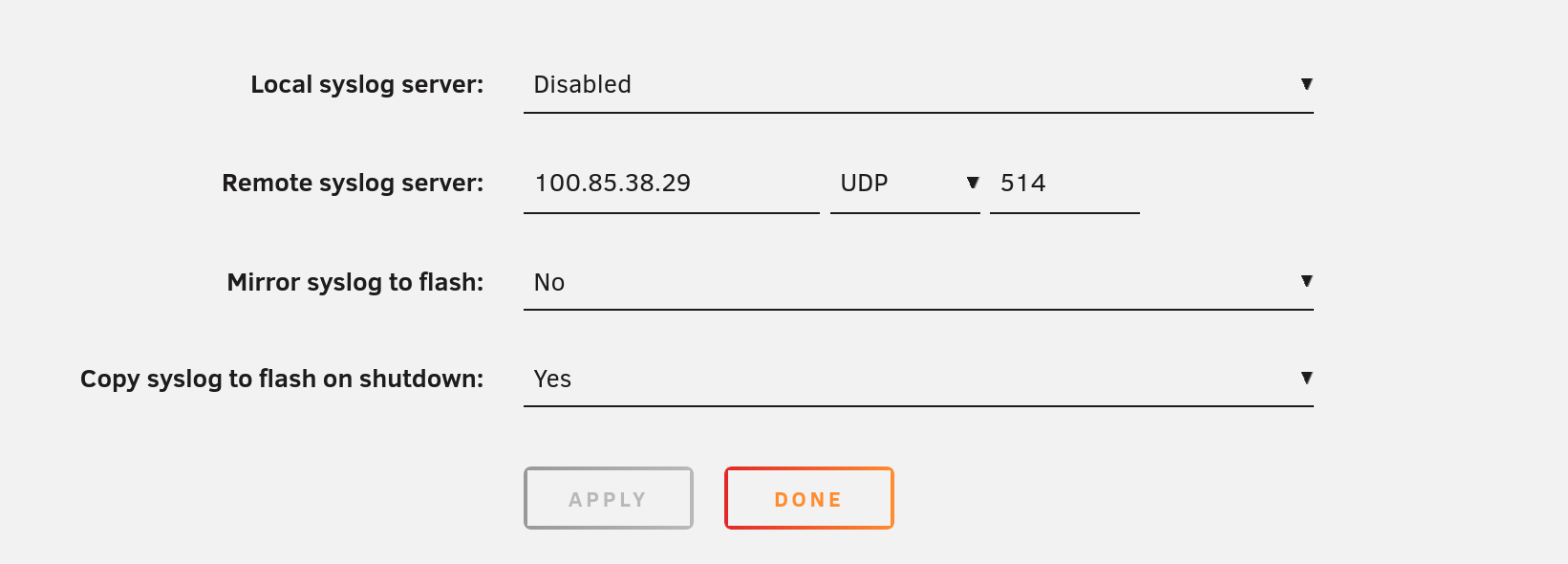
To get things running in Proxmox I had to install rsyslog and set up a config file. I left everything in the config file as installed defaults and just added this line to the bottom, where 100.85.38.29 is my Graylog's Tailscale IP:
*.* @100.85.38.29:514
Note that for ryslog, @ ahead of the IP address indicates a UDP destination, and @@ indicates a TCP. It's subtle, and it tripped me up.
Encrypt everything
While there's ways to encrypt rsyslog traffic (and other logging traffic) the 'default' configs for most are plaintext, which is why I'm routing all my logging traffic over Tailscale from the various sources to Graylog.
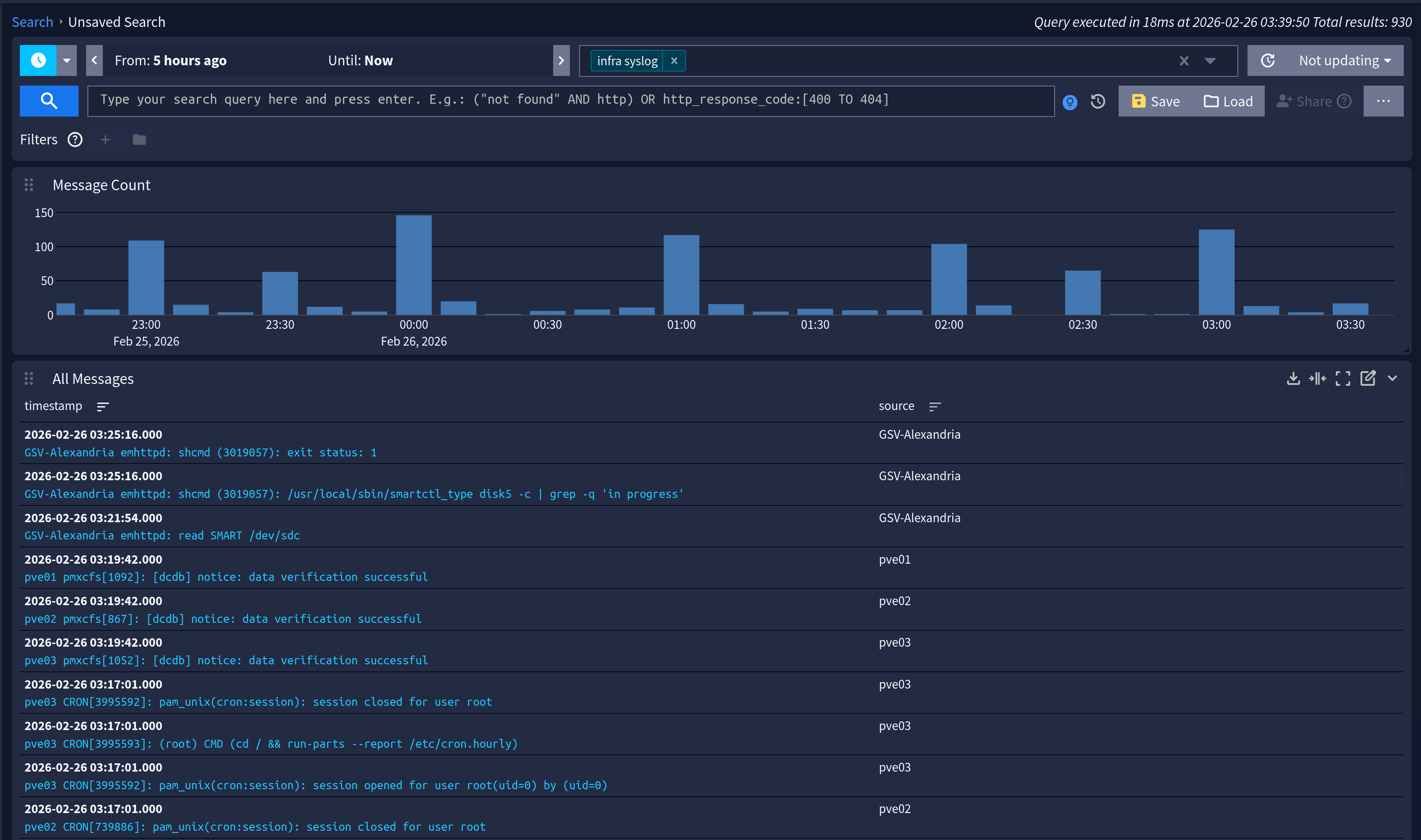
Once that's done you should see log traffic:
GELF and Docker
As you may know, docker containers have their own dedicated log streams. The way you typically view them is with docker logs [arcane incantations], however that's trickier with docker swarm. If the container you're trying to view the logs for isn't running on the specific machine you're running the docker logs command on, Docker will act like it has never seen that container before in its life. Moreover, if the container is, say, in a crash loop, it's possible that Swarm will keep trying to boot the container on any of the swarm nodes it can find, making it "hop around" from node to node, which in turn makes it nearly impossible to ever figure out what the hell is going wrong with the thing.
Thankfully, Docker will helpfully stream the logs in the Graylog Extended Log Format to a server of your choice if you just add this to your /etc/docker/daemon.json file on each of your swarm hosts:
{
  "log-driver": "gelf",
  "log-opts": {
    "gelf-address": "udp://100.85.38.29:12201"
  }
}
Which will give you logs like this:
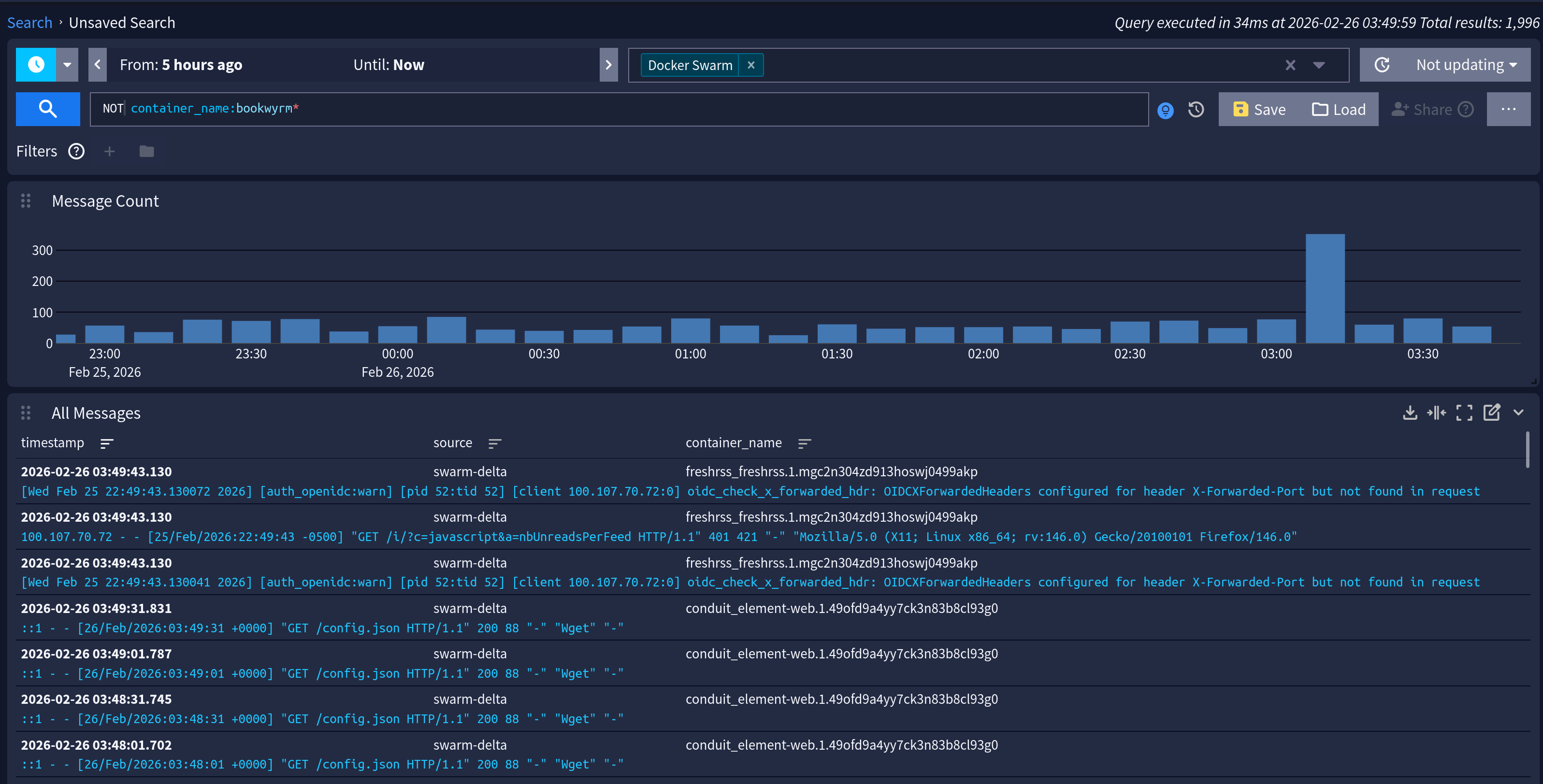
Ta-da! Searchable logs, with managed retention and all the trimmings.